The Minimum Viable Author Platform
Busy Women’s Guide to Selling a First Non-fiction Book Without Burning Out
A first book does not just need a great manuscript; it needs a simple, sturdy platform that helps real readers find it and care about it. For mid‑career women writing nonfiction, a “minimum viable” author platform can be enough to launch a debut book without burning out.
What “Author Platform” Really Means
Author platform is the total of your visibility, credibility, and connection with the people your book is for.
It is not about becoming internet‑famous; it is about being findable and trustworthy to your specific readers.
For a first‑time nonfiction author, platform should support three goals: validate your expertise, give readers a way to stay in touch, and gently guide people toward buying the book or working with you.
Start With a Clear Reader and Promise
Before building anything, define who your reader is and what your book promises.
-
Who she is: job, life stage, and what she is struggling with right now.
-
What she wants: the concrete outcome she hopes your book will help her reach.
-
Your promise: one sentence that explains how your book gets her from “before” to “after.”
This clarity becomes the thread you repeat across your site, email list, and social channels so everything feels coherent and intentional.
The Minimum Viable Platform
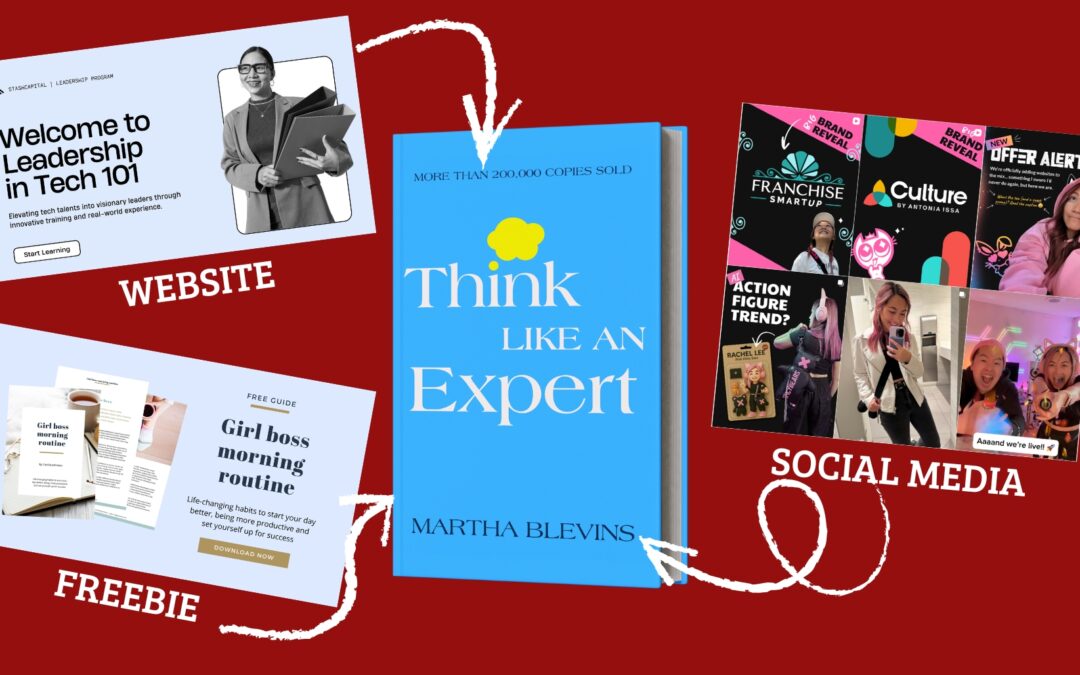
Instead of trying to be everywhere, build three core pieces:
-
A simple author website (or a strong book page on an existing site).
-
An email list with one clear opt‑in.
-
One primary outreach channel where you show up consistently.
Everything else is optional. This is what can reasonably fit alongside a demanding career and a first book.
Part 1: Your Simple Author Website
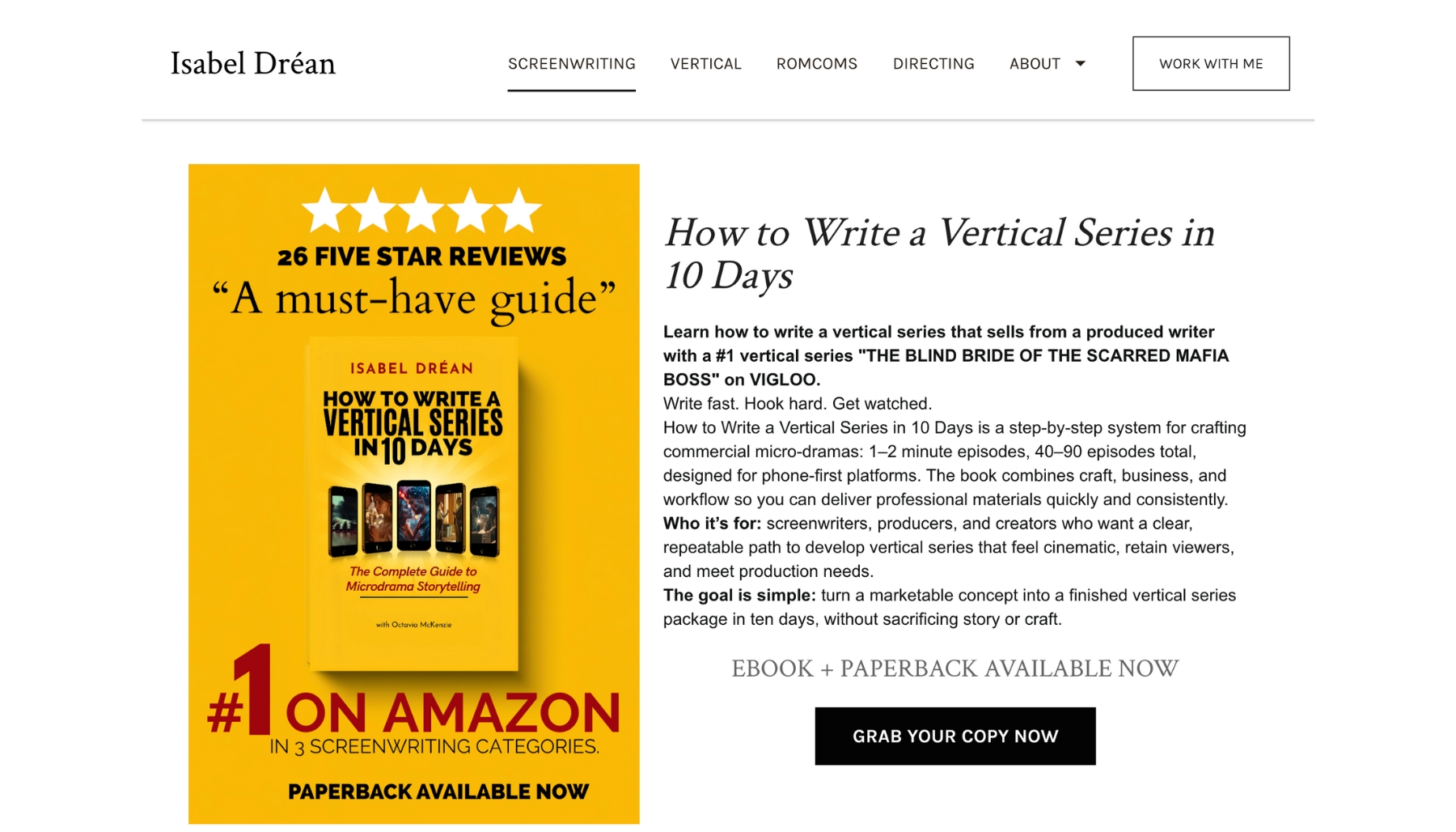
Your site is home base: the one link you can put on your book, your social profiles, business cards, and podcast bios.
The pages you actually need
For a first book, four pages are usually enough:
Home
-
-
Speak directly to your reader and her problem.
-
One clear headline (“Helping mid‑career women turn burnout into a sustainable career plan”), a short intro, and a call to join your email list.
-
Book (or Books)
-
Title, subtitle, book cover, and a strong, benefit‑focused description.
-
Links to buy on Amazon (and anywhere else) plus a short “Who this book is for” section.
-
Optional: endorsements, early reviews, or a brief table of contents preview.
About
-
-
A focused bio that ties your experience directly to the promise of the book.
-
One paragraph personal, one paragraph professional, one paragraph showing why you care about this reader.
-
Contact / Work With Me (if relevant)
-
-
A basic contact form or email.
-
If your book connects to services (coaching, consulting, speaking), one short section explaining how the book fits into that offer.
-
Design that supports your first book
-
Keep it clean and mobile‑friendly; most readers will visit from their phones.
-
Use your book cover colors as your main palette so everything feels cohesive.
-
Include a clear “Get the first chapter free” or similar opt‑in on every page.
The goal is not a perfect website; the goal is a professional home that makes it easy for someone to understand who you are, what your book does, and what to do next.
Part 2: Your Email List and Lead Magnet
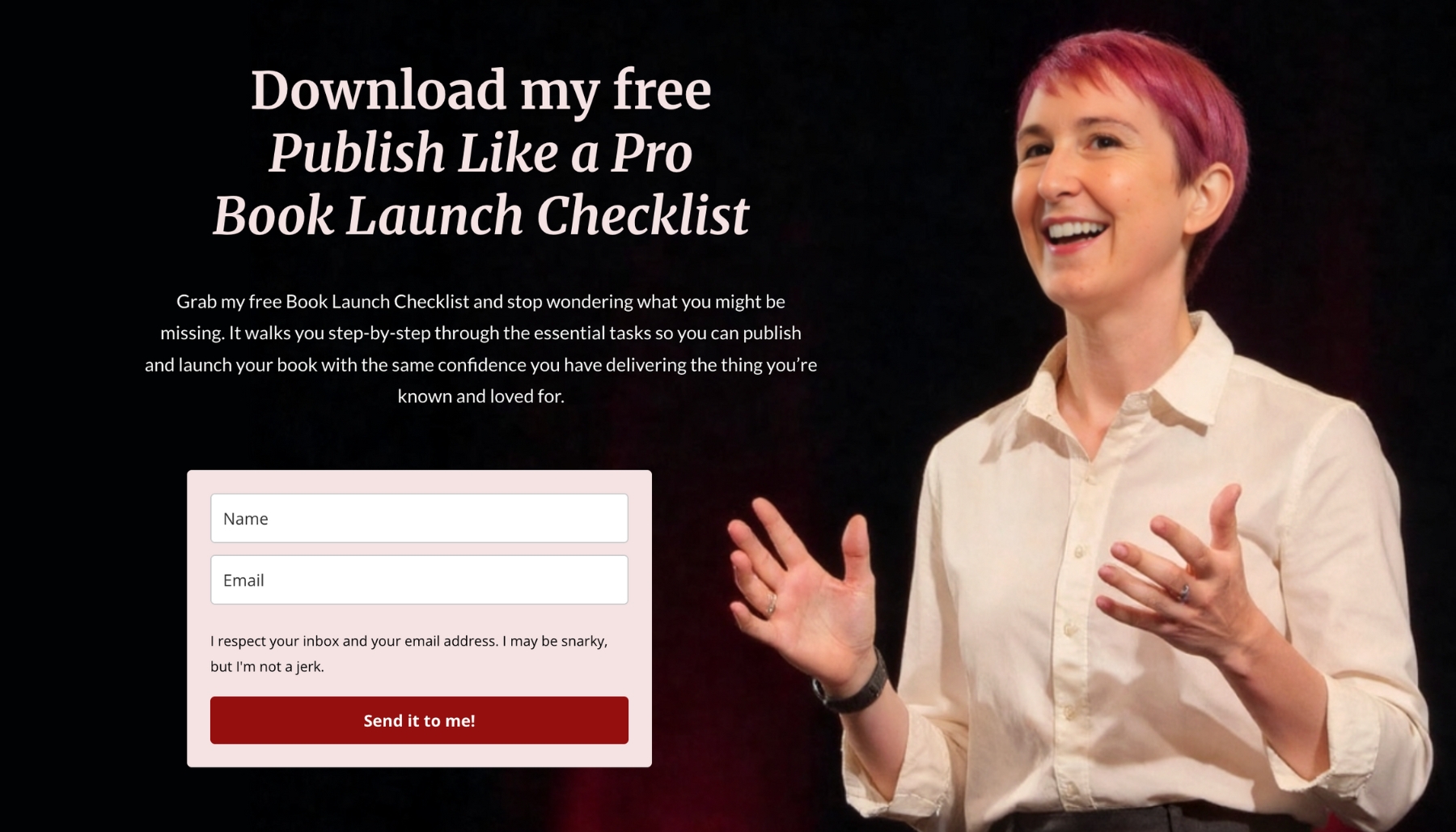
Social platforms come and go; your email list is the one asset you actually own.
Why email matters for a first‑time non-fiction author
- It gives you a way to talk to people who are genuinely interested in your topic.
- It lets you warm up readers before your launch and stay in touch long after it.
- It is a natural bridge between your book and any future offers (courses, coaching, speaking)
A simple, book‑aligned opt‑in
Create one lead magnet that naturally leads into your book:
-
A short checklist drawn from a key chapter.
-
A 3‑page “quick start” guide based on your main framework.
-
A self‑assessment or quiz that highlights the problem your book solves.
Make it fast to consume and directly tied to the transformation your book offers.
On your site, place this opt‑in:
-
As a section on your home page.
-
On your book page, just below the description.
-
In your About page sidebar or toward the bottom.
A basic email sequence
You do not need a complex funnel. For a debut, aim for 3–5 emails:
- Welcome + delivery of the free resource.
- A story that shows why you care about this topic and who the book is for.
- A helpful tip or mini‑lesson drawn from the book.
- A soft introduction to the book, with a link to the Amazon page.
- (Optional) Social proof or early reviews plus another gentle invitation to buy.
Write them as if speaking to one specific woman—the reader you defined at the start.
Part 3: Choosing One Primary Outreach Channel

Trying to master every platform is the fastest way to quit. Choose one channel that fits your strengths and your audience.
Match your channel to your strengths
- If you like talking and teaching: podcast guesting or short video (YouTube, Instagram Reels, LinkedIn video).
- If you like writing: LinkedIn posts, a simple blog, or thoughtful newsletters.
- If you like conversations: a small, focused Facebook or LinkedIn group.
The right channel is the one you can show up on weekly without dread.
What to share there
Focus on three repeatable content types:
- Moments of recognition: short posts that make your reader feel seen in her current struggle.
- Micro‑lessons: one idea, one tip, or one reframing drawn from the book.
- Proof and stories: small case studies, your own before‑and‑after, or behind‑the‑scenes glimpses of writing and publishing.
Sprinkle in direct references to your book, but make most content genuinely useful on its own. Think of the channel as an ongoing conversation that your book joins, not a one‑way sales pitch.
Part 4: Tying Everything Back to Your Book
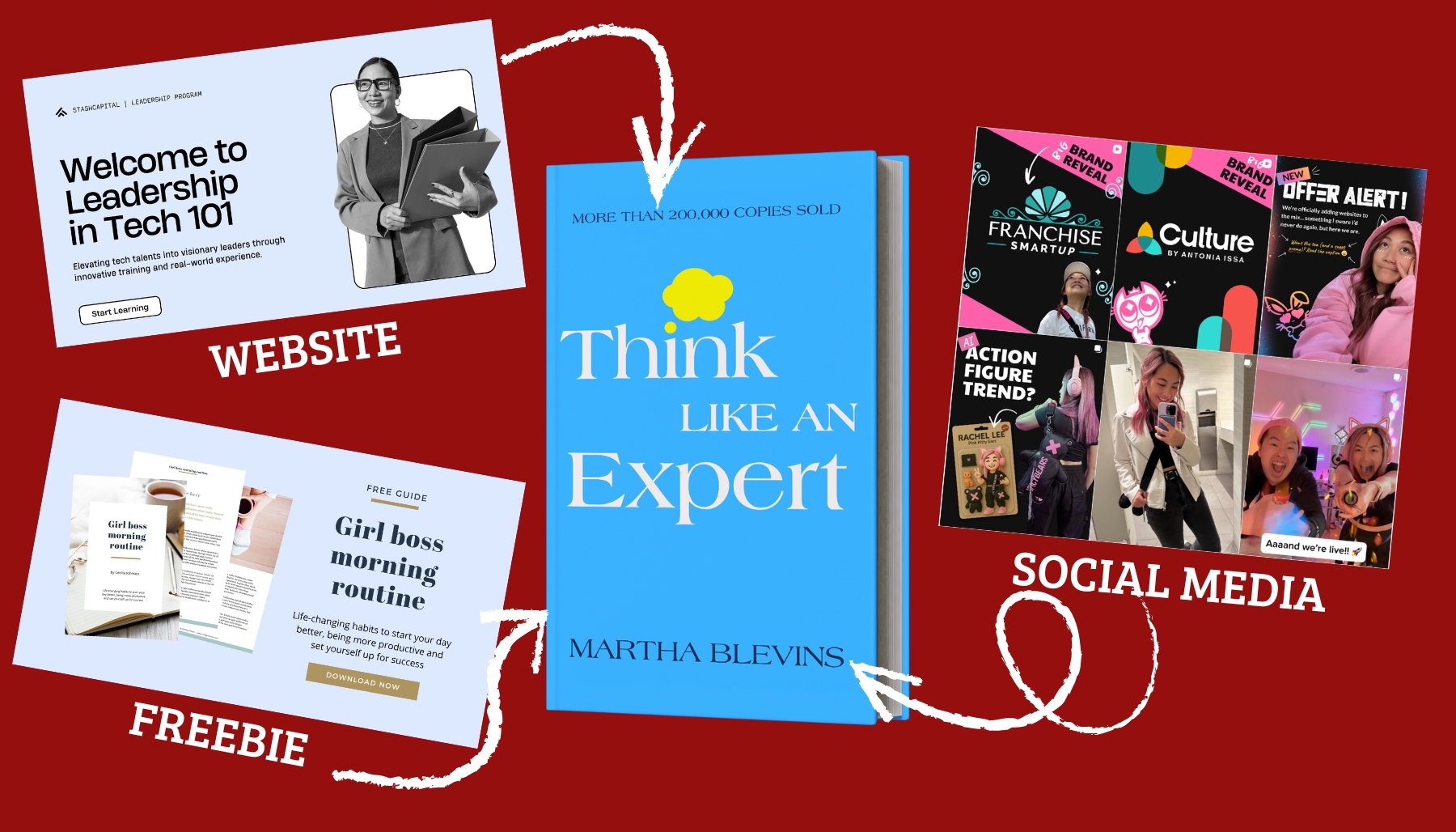
Your platform exists to support your book and your broader work, not to become a separate full‑time job.
Make your book the hub
- On your site, your book has a dedicated page that everything else can link to.
- Your email opt‑in is tied to a concept from your book.
- Your outreach channel content regularly points back to the ideas and stories in the book.
This positioning helps readers understand that the book is the clearest, most complete version of your help for them.
Use your platform for launch and beyond
Before launch:
- Share the journey: cover reveal, table of contents preview, snippets of the writing process.
- Invite your email subscribers and followers to be early readers or launch supporters.
After launch:
- Continue sharing stories of how readers are using the book.
- Refer new opportunities (podcasts, speaking, clients) back to your existing platform and email list.
- Start collecting ideas and feedback that might shape your next book or offer.
Part 5: Keeping It Sustainable

You already have a full life. Your platform needs to respect that.
Set realistic, non‑negotiable minimums
Instead of aiming for “perfect,” choose a sustainable rhythm:
- Update your primary channel once a week.
- Email your list every 2–4 weeks.
- Refresh your website only when there is a meaningful change (launch, new offer, major media mention).
These habits compound over time without consuming your entire schedule.
Batch and repurpose
- Turn one strong idea from your book into: a short blog post, an email, and two social posts.
- Pull quotes, frameworks, or questions directly from your manuscript.
- Save templates for common content types so you are not starting from scratch each week.
Your book is not just a product; it is a rich source of ongoing content.
A Simple Checklist to Get Started
Use this as your quick “first platform” checklist:
- Defined a specific reader and one‑sentence promise for your book.
- Created a basic website with Home, Book, About, and Contact/Work With Me pages.
- Set up one email opt‑in that connects directly to your book’s main promise.
- Wrote a short welcome sequence that introduces you and gently points to the book.
- Chosen one primary outreach channel you can maintain weekly.
- Outlined 4–8 simple content ideas drawn directly from your book.
Once these pieces are in place, you have a real author platform: not flashy, not overwhelming, but strong enough to support the launch of your first nonfiction book and everything that comes after it.
Join